
Table of Contents
Toggle
7 Best Cheap POS Systems for Restaurants in 2026
Introduction
Running a restaurant in 2026 isn’t just about serving great food. It’s about speed, accuracy, and financial control—every single day. With higher rents, rising labour costs, tighter margins, and customers expecting instant service, restaurant owners can no longer afford inefficient systems.
That’s why more operators are searching for cheap POS systems that are still reliable, scalable, and built for real restaurant workflows—not generic retail tools repackaged for food businesses.
Explain what actually matters when choosing a budget POS, and show why FoodChow stands out as the most practical long-term option.
What Is a POS System and How Does It Work?
A POS (Point of Sale) system is the operational core of a restaurant. It manages everything from taking orders to generating reports that guide daily and long-term business decisions.
Definition of a Restaurant POS System
A restaurant POS system combines software and optional hardware to:
Take dine-in, takeaway, and online orders
Generate accurate bills and invoices
Accept cashless and cash payments
Track sales, stock, and staff activity
Produce reports for performance analysis
Core Components of a POS System
POS software (billing, orders, reports)
Order management (front-of-house to kitchen flow)
Payment processing
Reporting dashboard
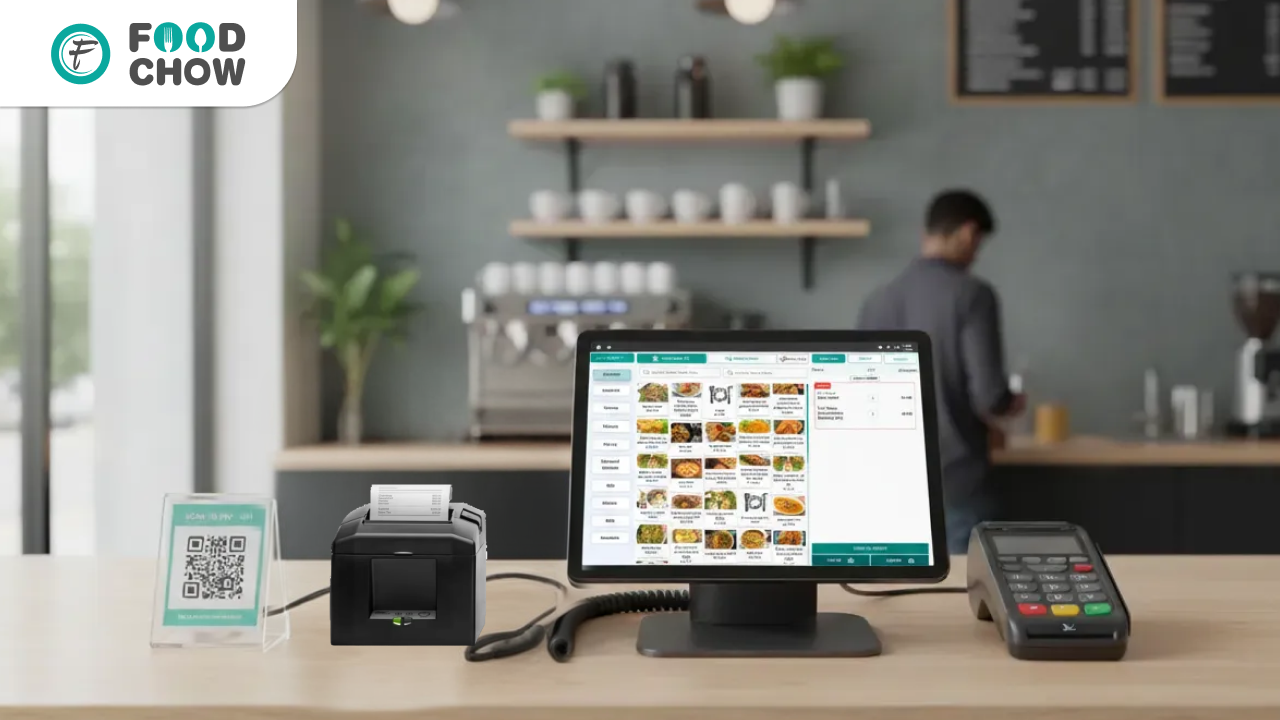
Optional hardware (tablet, printer, cash drawer, KDS)
POS Software vs POS Hardware
Hardware supports execution, but software defines efficiency. A well-designed POS software reduces mistakes, speeds up service, and improves profitability—even when running on basic devices.
Why Choosing the Right POS System Matters in 2026
Restaurants now operate in a high-pressure, low-margin environment where small inefficiencies quickly become big losses.
Rising Operational Costs
Staff shortages and frequent retraining
Higher ingredient and utility prices
Growing reliance on online orders and delivery
A cheap but unreliable POS often increases hidden costs through billing errors, downtime, and poor reporting.
Customer Expectations for Speed
Modern customers expect:
Fast order processing
Accurate bills
Multiple payment options
Slow systems directly impact reviews, ratings, and repeat business.
POS as the Operational Backbone
A modern POS connects:
billing + kitchen + reports + online ordering
When these systems don’t work together, service breaks down—especially during peak hours.
Key Benefits of Using a Modern POS System
Faster Billing and Order Flow
Orders move instantly from counter or table to kitchen, reducing delays and confusion during rush periods.
Better Customer Experience
Quick service and accurate billing improve satisfaction, trust, and repeat visits.
Real-Time Business Insights
Owners gain access to:
Daily and monthly sales reports
Item-wise performance
Peak-hour trends
These insights help control costs and grow profitably.
How We Selected the Cheapest POS Systems for This List
This list isn’t based on price alone. Each system was evaluated on real restaurant value.
Pricing Transparency
Free plans or low monthly fees
No forced long-term contracts
Essential Restaurant Features
Dine-in, takeaway, and online orders
Inventory tracking and reporting
Staff and role management
Ease of Use and Scalability
A POS should support growth—not become a limitation after six months.
Top 7 Cheapest POS Systems for Restaurants in 2026
FoodChow – Best Overall Low-Cost Restaurant POS
FoodChow is a cloud-based POS system built specifically for restaurants, not adapted from retail software. It focuses on how restaurants actually operate during busy service—not just billing.
Key Features
Dine-in, takeaway, and online ordering
Billing and payment management
Inventory tracking
CRM and customer data
Staff and role management
Advanced sales and performance reports
Why FoodChow Ranks #1
Extremely affordable with a free demo
Designed around real restaurant workflows
Easy onboarding for staff with minimal training
Cloud access from anywhere
Ideal for single outlets and multi-location chains
FoodChow delivers maximum operational value at minimal cost, which is exactly what restaurants need in 2026.
Square POS – Budget Option for Small Cafés
Free basic POS
Simple setup
Paid add-ons required for full restaurant use
Best suited for very small cafés and kiosks with limited menus.
Loyverse POS – Free POS for Micro Businesses
Free core features
Basic inventory and sales tracking
Limited restaurant-specific depth
Good for micro food stalls or startups with very simple needs.
Poster POS – Affordable Cloud POS
Low monthly pricing
Clean, user-friendly interface
Advanced features require upgrades
Works for small restaurants with straightforward operations.
SlickPOS – Cost-Effective POS for Indian Restaurants
Restaurant-focused features
Low upfront cost
Limited modern cloud flexibility
Suitable for budget-conscious traditional setups.
GoFrugal POS – Modular Pricing Model
Pay only for required modules
Reliable billing system
Costs increase as features are added
Best for restaurants planning phased growth.
eZee Optimus – Budget POS for Hotels & Restaurants
Affordable base pricing
Strong reporting tools
Slightly complex setup
Better for hospitality environments with technical support.
Comparison of Cheapest POS Systems
| POS System | Starting Cost | Restaurant Focus | Cloud-Based |
|---|---|---|---|
| FoodChow | Free / Low | Yes | Yes |
| Square | Free | Partial | Yes |
| Loyverse | Free | Limited | Yes |
| Poster | Low | Partial | Yes |
| SlickPOS | Low | Yes | Partial |
| GoFrugal | Low | Yes | Partial |
| eZee Optimus | Low | Yes | Partial |
How to Choose the Best Cheap POS System for Your Restaurant
Ask These Questions
Is it built specifically for restaurants?
Are online orders included or charged extra?
Can it scale as my business grows?
Avoid Hidden Costs
Many “cheap” POS systems charge later for:
Detailed reports
Extra devices or terminals
Online ordering or integrations
Match POS to Your Restaurant Type
A QSR, café, and fine-dining restaurant all require different workflows—choose accordingly.
Final Verdict: Which Is the Cheapest and Best POS System in 2026?
For restaurants looking for the best balance of affordability, features, and long-term value, FoodChow stands out as the most cost-effective POS system in 2026.
It offers:
Low-risk entry
Complete restaurant operations
Cloud-based control
Better value than short-term “free but limited” tools
FAQs
1. What is the cheapest POS system for restaurants in 2026?
FoodChow is among the most affordable and complete restaurant POS systems, with a free entry option.
2. Can a free POS system handle a busy restaurant?
Only if it’s designed for restaurants. Generic free POS tools often fail during rush hours.
3. Is cloud-based POS better than offline POS?
Yes. Cloud POS offers real-time data, remote access, and easier scalability.
4. Do cheap POS systems include online ordering?
Most don’t. Always confirm—FoodChow includes online ordering options.
5. Are low-cost POS systems secure?
Reputable providers use encrypted infrastructure and regular backups.
6. Can I upgrade my POS system later?
Yes, but switching systems can be costly. Choose scalable software early.
7. Is POS hardware included in cheap plans?
Usually not. Hardware is typically purchased separately.
8. Which POS is best for multi-location restaurants?
Cloud-based systems like FoodChow work best for centralised control.
TAGGED
- CONTACTLESS FOOD ORDERING SYSTEM
- CONTACTLESS FOOD ORDERING SYSTEM

Jigar Doriwala
Founder, Tenacious Techies
Article by
He is the founder of Tenacious Techies, a leading digital agency servicing clients across the world. Till date, he has helped hundreds of businesses in developing their own website, app ideas and digital marketing. Jigar is a foodie and have developed FoodChow to help restaurants owners to grow their profit and sales. If you are looking to start your own online businesses or want to take your existing business online, contact him today.